Telemetry and auto-connect
SRS needs current IL-2 telemetry to identify the player, coalition, aircraft, and multiplayer SRS server. The game sends this data to the SRS client on UDP port 4322.
Read the status indicators
Section titled “Read the status indicators”If Server and VOIP are green but IL-2 is gray, SRS has reached the radio server but is not receiving fresh game telemetry. This is not an SRS server outage.
If all connection indicators remain gray, first verify that SRS has a valid server address and that your network can reach it.
Run Telemetry Diagnostics
Section titled “Run Telemetry Diagnostics”- Close IL-2.
- Start SRS.
- Open Help → Telemetry Diagnostics.
- Run the check and use the offered repair action if a problem is found.
- Restart IL-2 after a repair.
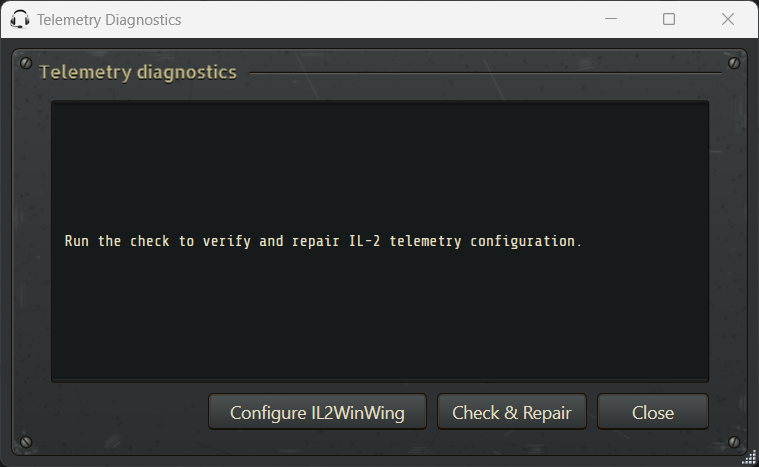
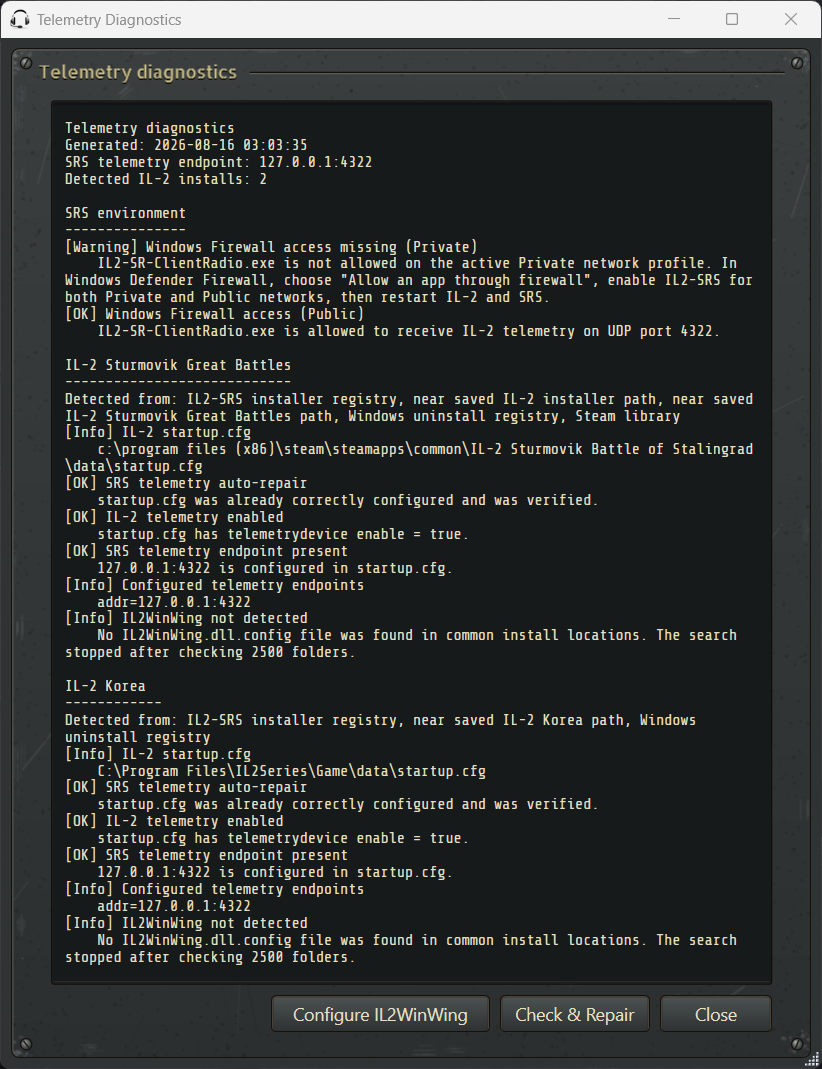
The diagnostics inspect both Great Battles and Korea when they are installed. They verify the telemetry section in each startup.cfg, check port ownership, inspect known third-party telemetry applications such as IL2WinWing, and report relevant Windows Firewall state.
The completed report identifies each detected game installation and clearly marks successful checks, warnings, and repairs:
Expected startup.cfg endpoint
Section titled “Expected startup.cfg endpoint”SRS needs an enabled telemetry target using port 4322. Additional telemetry applications must use separate endpoints when they cannot reliably share the same UDP listener.
Do not replace unrelated startup.cfg settings. The built-in repair preserves unrelated content and encoding, backs up the original before its first change, maintains a known-good recovery copy, and restores a read-only attribute after updating the telemetry section. If the file is missing, empty, or incomplete, SRS refuses to modify it and offers to restore a valid backup while IL-2 is closed.
Windows Firewall
Section titled “Windows Firewall”Allow IL2-SR-ClientRadio.exe on both Private and Public Windows Firewall profiles. Multiplayer networks can be classified differently from a user’s normal home network.
If Windows previously displayed a firewall prompt and only one network type was selected, use Telemetry Diagnostics or Windows Defender Firewall settings to correct the application rule.
Third-party telemetry tools
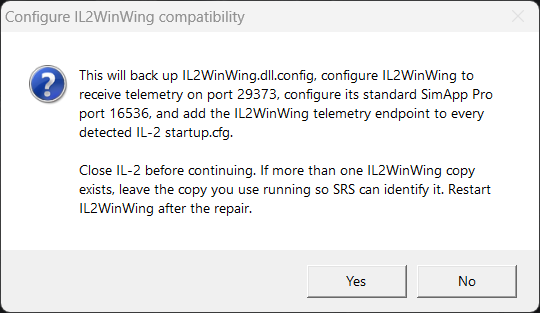
Section titled “Third-party telemetry tools”Force-feedback and hardware tools can also consume IL-2 telemetry. SRS and IL2WinWing should not both attempt to own UDP port 4322. Use Telemetry Diagnostics to apply the supported split-port configuration instead of manually guessing port values.
Collect support information
Section titled “Collect support information”If the IL-2 indicator remains gray, send support:
- a screenshot of the complete Telemetry Diagnostics result
- the relevant game’s
startup.cfg clientlog.txtfrom the SRS application folder, captured while IL-2 is running- the game edition and whether it is Steam or standalone
Use the Report a Problem button on the Help tab so the report includes the correct project and support destination.